
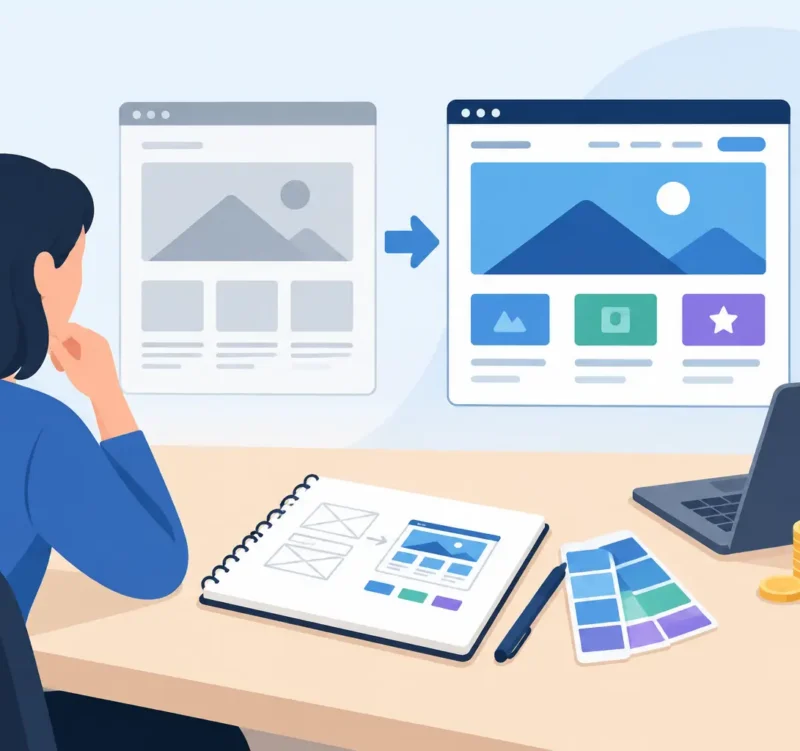
Your website is often doing the talking before you ever get a phone call. If it looks dated, loads poorly on a phone, or makes visitors hunt for basic information, a potential customer may move on before learning how good your business really is. Knowing how to plan website redesign means treating the project as a business decision, not just a new coat of paint.
For a Delaware contractor, restaurant, nonprofit, professional practice, or local retailer, the goal is rarely to win a design award. The goal is to look credible, get found, make it easy to take the next step, and give your team a site they can manage without constant frustration. A thoughtful plan keeps the work focused and helps your budget produce visible results.
Start With the Problem, Not the Homepage
Many redesign projects begin with, “Our website feels old.” That may be true, but it is not specific enough to guide decisions. Identify what the current site is failing to do. Are leads too low? Are customers calling with questions the site should answer? Does the site look different from your signage, brochures, or social media? Are you difficult to find in local search results?
Review the site as both an owner and a first-time visitor. Try to find your services, service area, phone number, hours, pricing approach, testimonials, and contact form from a mobile phone. Notice where the experience gets confusing. Then look at available data, such as page traffic, form submissions, call volume, and the search terms bringing people to the site.
A redesign can solve many problems, but not every problem at once. If people cannot find you, search engine optimization and local content may deserve priority. If traffic is healthy but few visitors contact you, the message, service pages, calls to action, and contact process may need the most work. Getting honest about the issue prevents expensive guesswork later.
How to Plan Website Redesign Goals That Matter
Set a small number of measurable goals before discussing colors, layouts, or special features. A local service business may want more qualified estimate requests. A nonprofit may need more donations, volunteer inquiries, or event registrations. A restaurant may want customers to view the menu, find directions, and place orders quickly.
Good goals connect the website to business activity. For example: increase contact form submissions, improve visibility for services in Wilmington or Sussex County, reduce calls about basic service information, or make it easier for job seekers to apply. You do not need complicated reporting to start. You do need a clear definition of success.
It also helps to decide what a visitor should do on each major page. A roofing page might lead to a quote request. A law firm biography might build trust before prompting a consultation. A retail page may direct people to a location, product category, or online purchase. One page can support several actions, but it should have one obvious next step.
Know Your Customers Before Choosing Features
A website should be built around the people who use it, not the features that happen to be popular. Think about your best customers: what they need, what concerns them, and what questions they ask before calling. Someone looking for emergency plumbing has different needs than a couple researching wedding venues or a board member comparing nonprofit partners.
For most small businesses, visitors are looking for quick proof that you are legitimate, nearby, capable, and easy to work with. Clear service descriptions, real project photos, reviews, staff information, credentials, and a visible phone number can do more for confidence than a flashy homepage effect.
This is also where local knowledge matters. If you serve Wilmington, Millsboro, Dover, Newark, Rehoboth Beach, or nearby communities, say so clearly where it makes sense. Do not stuff every town name into every paragraph. Instead, create useful content that explains what you do, who you help, and where you work.
Build a Content Inventory Before Design Begins
One of the biggest sources of delay in a redesign is content. The new site cannot go live until someone provides service details, updated staff bios, project images, logos, testimonials, policies, and contact information. Waiting until design is nearly finished to gather these materials can slow the entire project.
Start by listing every page on the current website. Mark each one as keep, revise, combine, replace, or remove. Then identify the pages your new website needs to support your goals. Most local businesses need a strong home page, clear service pages, an about page, proof of experience, contact information, and location or service-area details. The exact mix depends on your business.
Do not automatically transfer old content just because it exists. Outdated services, duplicate pages, weak copy, and low-quality stock images can carry old problems into a new site. Keep what is accurate and useful. Improve what is unclear. Remove what no longer represents your business.
Real photography is worth planning for when possible. Photos of your team, location, finished work, food, equipment, or community involvement give customers a stronger sense of who they will be working with. If professional photography is not in the budget right now, choose clean, consistent imagery and make a plan to update it over time.
Set a Budget and Decide What Comes First
A website redesign is not one fixed product. A simple informational site for a local practice is different from an e-commerce store, a membership site, or a business with dozens of service areas. Be clear about your budget range early. It allows your design and development partner to recommend the most practical scope rather than guessing at what is possible.
Prioritize the work that supports revenue, trust, and usability first. Core pages, mobile-friendly design, a reliable contact process, basic search optimization, and professional visuals should usually come before advanced features. A custom calculator, complex portal, or large resource library may be valuable, but only if it supports a real customer need.
Remember to plan for ongoing costs, too. Hosting, domain renewals, maintenance, software licenses, security updates, new content, and search marketing are part of keeping a website useful. Launching a new site and then leaving it untouched for years puts you back in the same position eventually.
Choose the Right Team and a Clear Process
The lowest quote is not always the lowest cost. A rushed project with unclear responsibilities can lead to missing content, weak messaging, poor search setup, and costly revisions. Look for a partner that asks practical questions about your business, explains the process in plain language, and has experience building for organizations like yours.
Before work begins, agree on the scope, timeline, decision-makers, content responsibilities, revision process, and launch plan. Assign one person on your side to gather feedback and make final decisions. When too many people provide separate direction, projects can lose momentum quickly.
Ask how the site will be built for mobile users, how existing search visibility will be protected, who will own the website and its accounts, and what happens after launch. You should also understand what training and support are available. A good website should make marketing more manageable, not give you another technical headache.
Protect Search Visibility During the Move
Redesigning a website can affect search performance if old pages disappear without a plan. Pages that already rank, earn links, or bring in traffic should be reviewed carefully. In many cases, their useful content can be improved and moved to a new page rather than discarded.
Your launch checklist should include page redirects from old URLs to relevant new URLs, updated page titles and descriptions, working forms, correct business contact information, and analytics tracking. Test the site on phones, tablets, and common desktop browsers. Click every important button. Submit every form. Check that the thank-you message or confirmation email works.
A fresh look is valuable, but search engines and customers both need continuity. Keep the information that has earned trust while presenting it in a clearer, more professional way.
Plan for Launch, Then Keep Improving
A website launch is the start of the next phase, not the finish line. Announce the updated site through your social channels, email list, printed materials, and conversations with customers. Give people a reason to visit, whether that is a new gallery, updated menu, helpful service guide, event page, or easier way to request a quote.
After launch, watch what people do. Which pages bring inquiries? Where do visitors leave? What questions are still coming in by phone? These answers can guide the next round of improvements without requiring another full redesign.
The best redesign plan is not the one with the most features. It is the one that helps your business look its best, be found by the right people, and turn attention into real conversations. Start with the problems your customers feel, make smart priorities, and build a website that is ready to work as hard as you do.